
Transform Your YouTube Video into Differentiated Flashcards
Use Cases
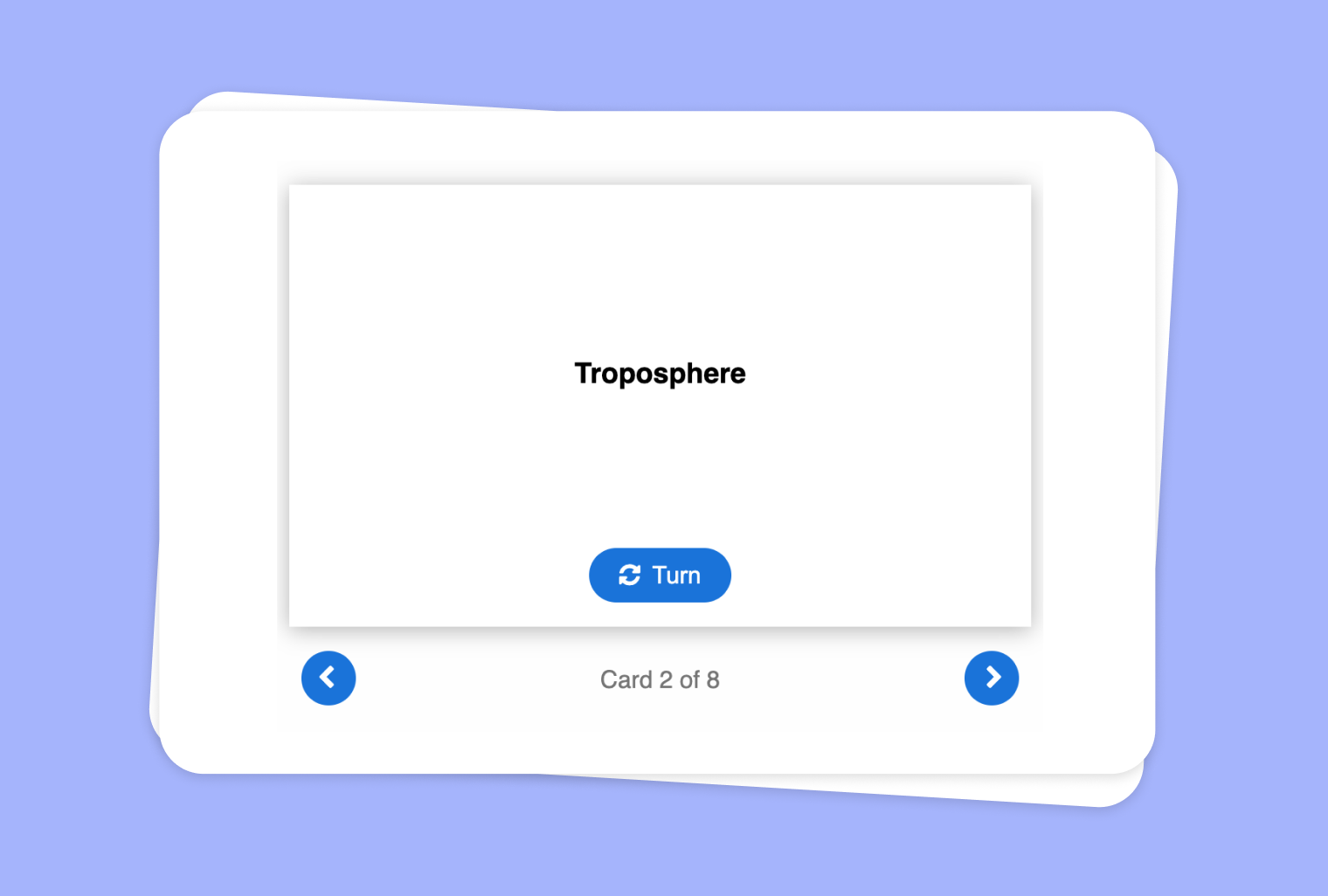
Are you looking for a quick and interactive way to reinforce the key points from a YouTube video lesson? With to-teach.ai, you can easily transform educational videos into organized flashcards at three different difficulty levels—Easy, Normal, and Hard—ensuring that students of all skill levels can benefit.
Why Create Flashcards from Your YouTube Video?
Reinforce Learning
Flashcards help students revisit important information, solidifying both short-term and long-term retention.Cater to Different Abilities
Offering three levels of difficulty allows you to adapt the content and language to each student’s needs.Increase Student Engagement
Flashcards encourage quick recall and active interaction with the material, boosting engagement and motivation.Flexibility Across Subjects
Whether it’s history, science, languages, or any other subject presented in a YouTube video, you can easily produce effective study aids.
Getting Started
Simply paste the link of your YouTube video into our platform. Our AI will automatically analyze the video, identify key concepts, and generate flashcards of varying complexity. You can then refine or add more details, ensuring that each card meets your specific learning objectives.
Frequently Asked Questions (FAQ)
How do I convert a YouTube video into flashcards using to-teach.ai?
Paste the video link into the tool, select the “Flashcards” feature, and let our AI extract the main points. You can then customize the cards further.Can I adjust the difficulty levels of the flashcards?
Yes. Our platform allows you to easily add or edit cards for Easy, Normal, or Hard levels, giving you complete control.What if my YouTube video is very long?
Our AI smartly pinpoints the most crucial sections. You can also manually highlight or exclude parts of the transcript if you have specific requirements.Is it possible to include images or additional media in the flashcards?
Absolutely. You can enhance each flashcard with images, diagrams, or external links to maximize engagement and understanding.How can I share the flashcards with my students?
Once created, you can directly share them via a link, embed them in an LMS, or export them to suit your preferred classroom workflow.
Sign Up for to-teach.ai!
Join more than 100,000 educators who are transforming their lesson planning with to-teach.ai
Sign Up for to-teach.ai!
Join more than 100,000 educators who are transforming their lesson planning with to-teach.ai
Start for free
Use Image as Basis for a Grouping Task
Transform any image into a dynamic grouping task, enabling students to sort words, concepts, or sentences into predefined categories for interactive learning.
Transform Your Texts into Audio Content
Convert your texts into an audio format of your choice. Create dialogues, interviews, or simply have your texts read aloud. Tip: Include in the instructions if you prefer, for example, a female voice or British English.
Transform Your YouTube Videos into Infographics
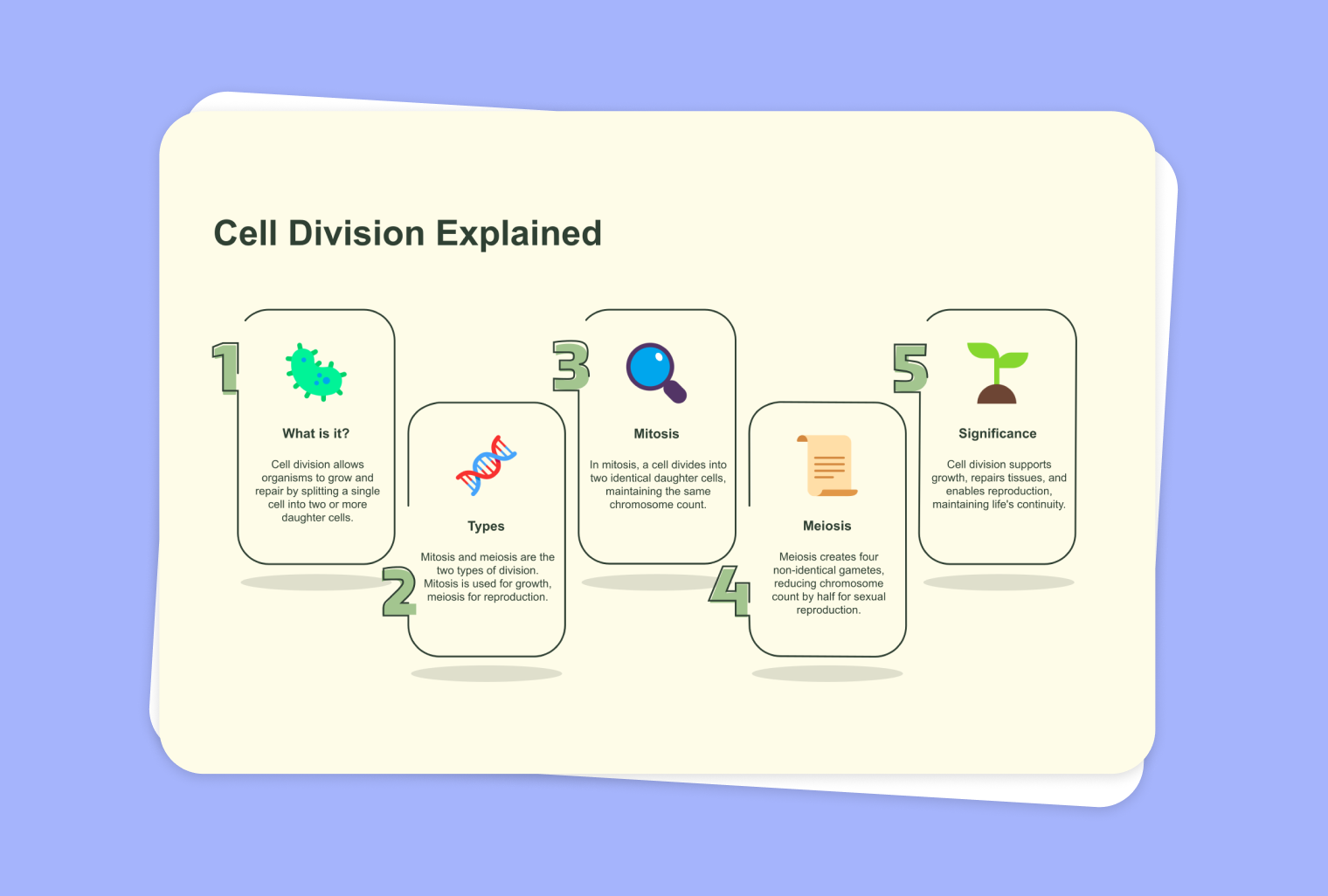
Transform your YouTube videos into visually captivating infographics that present your content in an appealing way and facilitate understanding.