
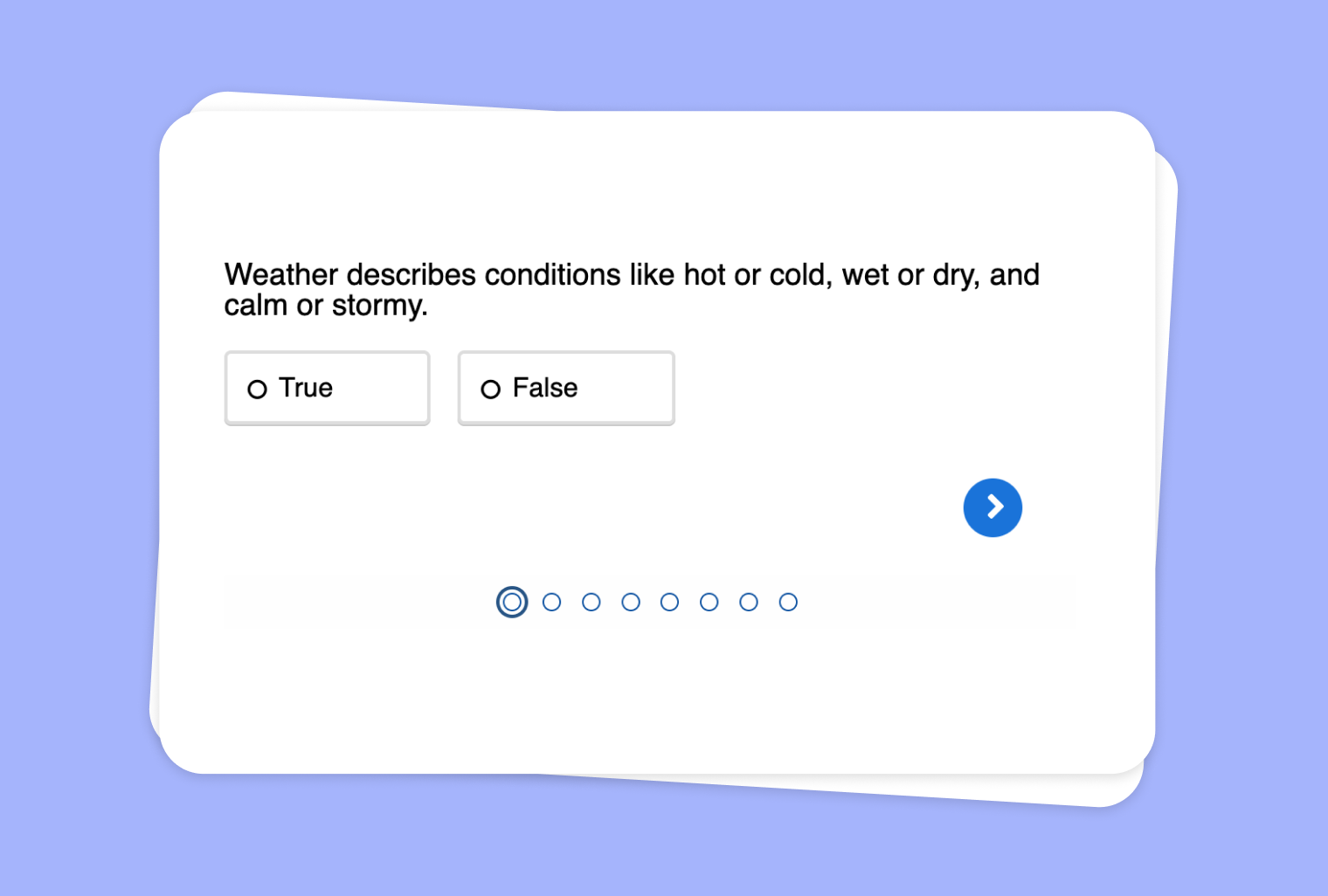
Use Audio File to Create True-or-False Questions
Use Cases
Want to make audio learning more interactive for your students? With to-teach.ai, you can transform any audio file into a dynamic True-or-False quiz. This feature helps students sharpen their listening skills while quickly testing their understanding.
Why Use an Audio File for True-or-False?
Promote Active Listening
Students aren’t just hearing the material—they’re listening for facts, clues, and details.Immediate Understanding Assessment
A True-or-False quiz offers a straightforward way to gauge comprehension on the spot.Interactive Learning Experience
Students stay engaged, as they must listen closely to identify whether statements are accurate or not.Quick Feedback Loop
True-or-False questions provide instant clarity on misunderstandings or knowledge gaps.Versatile Application
Whether you’re teaching language, science, or history, an audio-based quiz can be adapted to any subject.
Getting Started
- Upload Your Audio File
Import any audio—lectures, interviews, or narrations—into to-teach.ai. - Generate or Input Statements
Let our AI suggest statements or customize your own to focus on key points. - Select True-or-False Format
Easily toggle the quiz setting to True-or-False. Watch as your content is converted into bite-sized questions. - Publish and Share
Assign the quiz to your students for immediate reinforcement of their listening comprehension.
Integrating audio with True-or-False questions on our platform simplifies lesson planning and enriches the learning experience. Your students will enjoy the quick, clear feedback loop, while you’ll love the hassle-free setup.
Frequently Asked Questions (FAQ)
How can I create a True-or-False quiz from an audio file?
Simply upload your audio to to-teach.ai, let the AI suggest statements or add your own, then switch to the True-or-False quiz format.Do I need to provide my own statements or can the AI generate them?
You can do both. Our AI can analyze the audio to propose statements, or you can add custom statements to emphasize specific details.Can I make the quiz accessible to students with varying skill levels?
Absolutely. Adjust the complexity of your statements, vocabulary, and pace to meet the needs of diverse learners.How do I track student performance on these True-or-False questions?
to-teach.ai provides insights on student accuracy and attempts, helping you identify areas for review or additional practice.
Sign Up for to-teach.ai!
Join more than 100,000 educators who are transforming their lesson planning with to-teach.ai
Sign Up for to-teach.ai!
Join more than 100,000 educators who are transforming their lesson planning with to-teach.ai
Start for free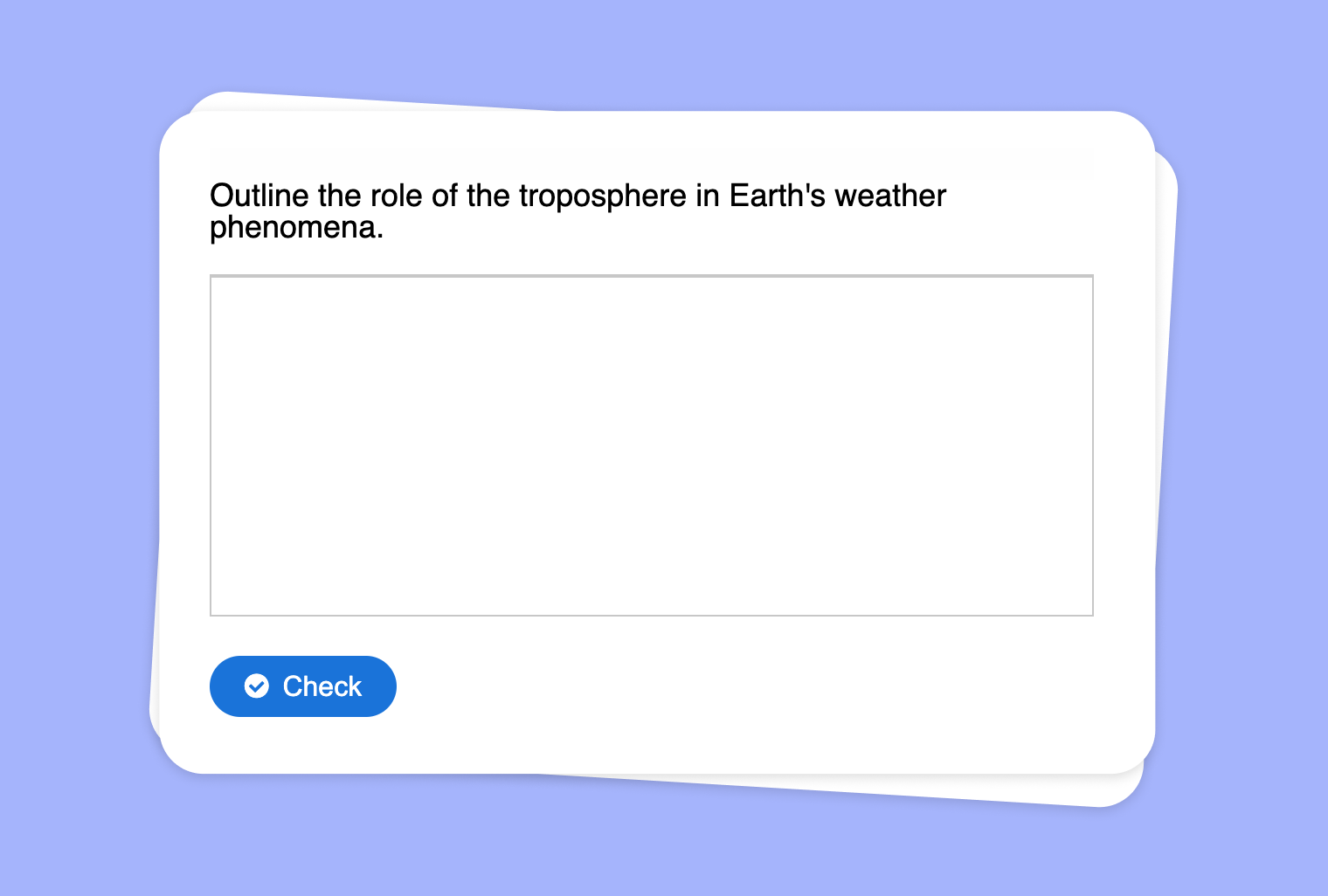
Working with Instruction Verbs from a PDF
Create customized questions with sample solutions by using instruction verbs extracted from any PDF document, enabling teachers to design dynamic and targeted learning experiences.
Turn Your YouTube Video into a Match Pairs Exercise
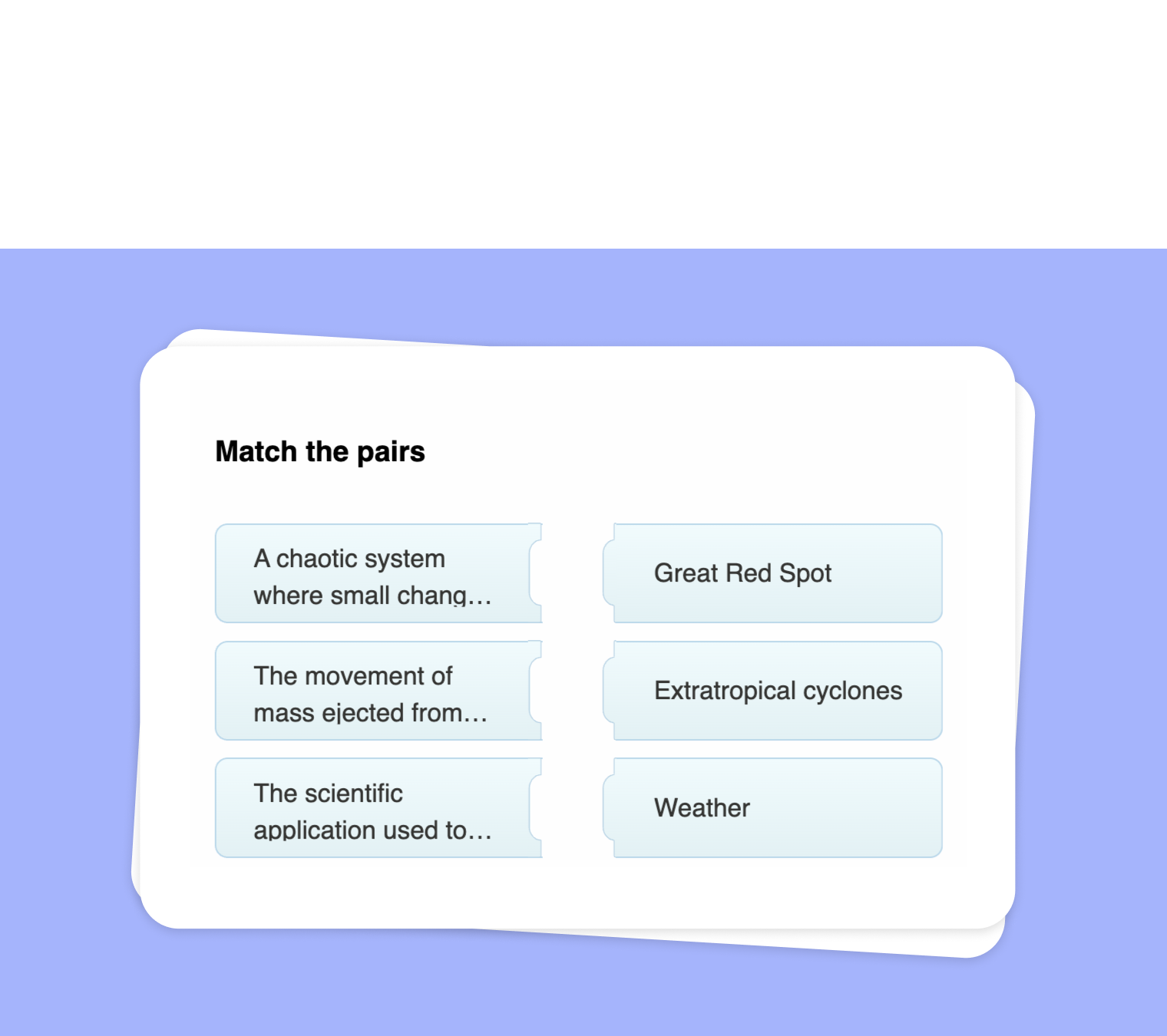
Transform any YouTube video into an interactive Match Pairs task, helping students connect key terms, names, or concepts directly to your video content.
Turn Your PDF into a Presentation
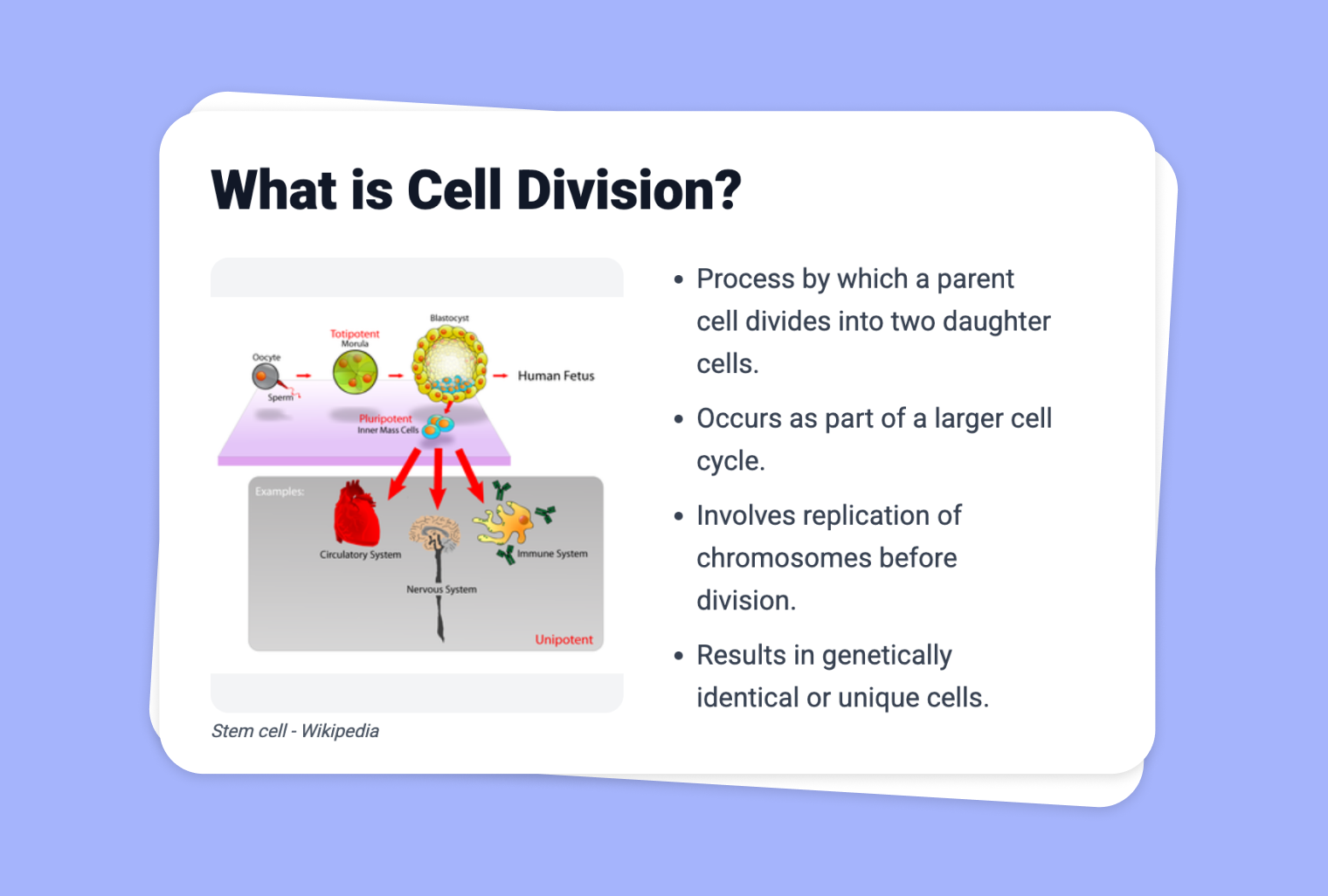
Transform any PDF file into a dynamic, slide-based presentation with integrated design suggestions, making lesson preparation faster and more immersive.