
Transform Extracted Website Text into a Glossary
Use Cases
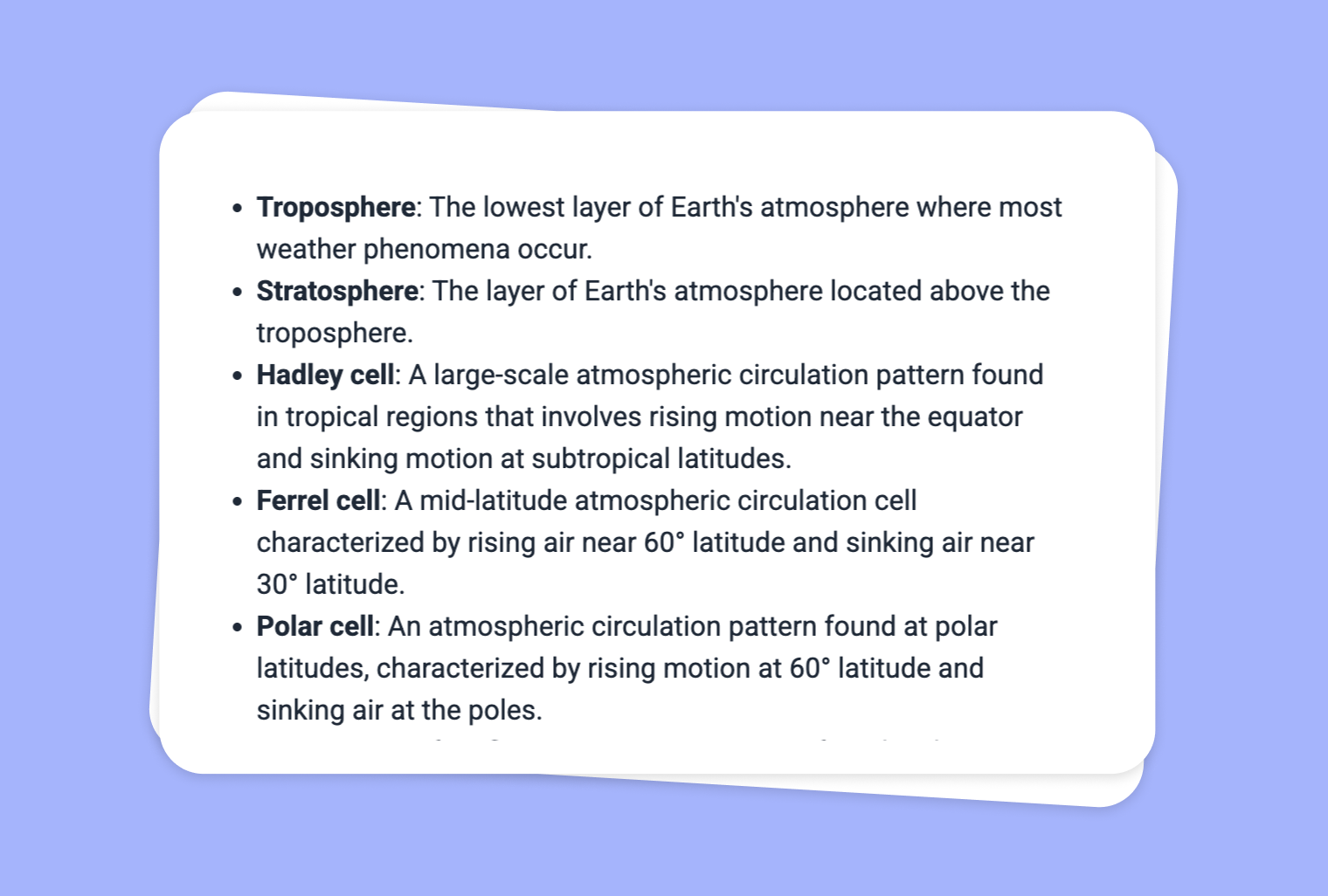
Are you looking to make dense, technical, or unfamiliar material more accessible to your students? With to-teach.ai, you can scrape or extract text from websites and seamlessly convert it into a comprehensive, user-friendly glossary. Whether you’re teaching history, science, or a specialized subject, clarifying difficult terms solidifies students’ understanding and boosts confidence.
Why Turn Extracted Website Text into a Glossary?
Streamline Complex Vocabulary
Convert any challenging terms found online into clear definitions that students can refer back to at any point.Enhance Reading Comprehension
Providing a straightforward glossary helps students digest the core material faster and retain information effectively.Tailor to Your Subject Matter
Regardless of your teaching domain—whether it’s STEM or the humanities—our AI-driven glossary adapts to your content needs.Encourage Self-Directed Learning
Students can independently seek out clarifications in the glossary, fostering greater autonomy and confidence in the learning process.Save Time & Effort
Let our AI handle the heavy lifting of scanning and defining while you focus on high-impact teaching strategies.
Getting Started
Set up your glossary in a few quick steps. Simply enter the URL of the website from which you’d like to extract content or paste the copied text into to-teach.ai. Our AI automatically scans the text, identifies key terms, and provides concise definitions that you can edit for tone and detail.
Frequently Asked Questions (FAQ)
How do I turn extracted text from websites into a glossary?
Paste the link or the copied text into to-teach.ai. Our AI will identify important terms and create definitions, so you can quickly assemble an easy-to-reference glossary.Can I customize the glossary to match my class level or subject matter?
Absolutely. You have the freedom to edit or add alternate definitions, synonyms, or examples to align the glossary with your specific course needs.Does to-teach.ai handle specialized or domain-specific vocabulary?
Yes. Our AI is designed to recognize even niche or subject-specific terms, making it ideal for advanced topics in STEM, social sciences, or literature.How will a glossary benefit diverse learning levels?
A glossary helps students at varying proficiency levels understand challenging terms at their own pace, enhancing overall comprehension.Can I update the glossary if the website adds more content or new terms arise?
Absolutely. You can revisit to-teach.ai, rescan or re-enter the content, and automatically enrich your glossary with the latest terms.
Sign Up for to-teach.ai!
Join more than 100,000 educators who are transforming their lesson planning with to-teach.ai
Sign Up for to-teach.ai!
Join more than 100,000 educators who are transforming their lesson planning with to-teach.ai
Start for free
Transform Your Texts into Audio Content
Transform any scraped website content into engaging audio output, including dialogues, interviews, or simple read-alouds tailored to your chosen voice style and accent.
How to Teach Adverbs in a Fun Way
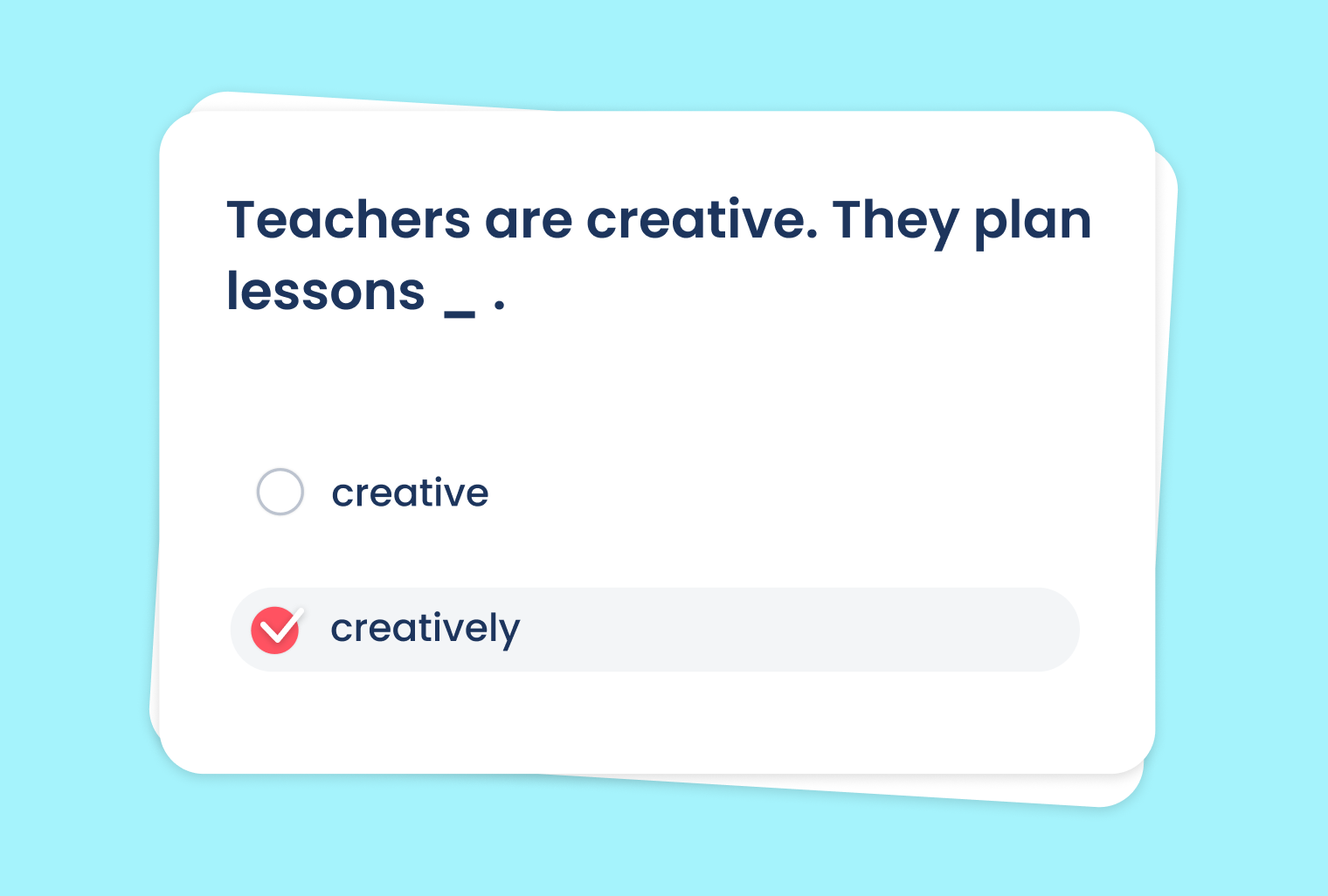
Creative ideas like charades, games, charts and poems to engage students and help them grasp adverbs.
Extract Text from Websites into ‘Find the Words’ Puzzle
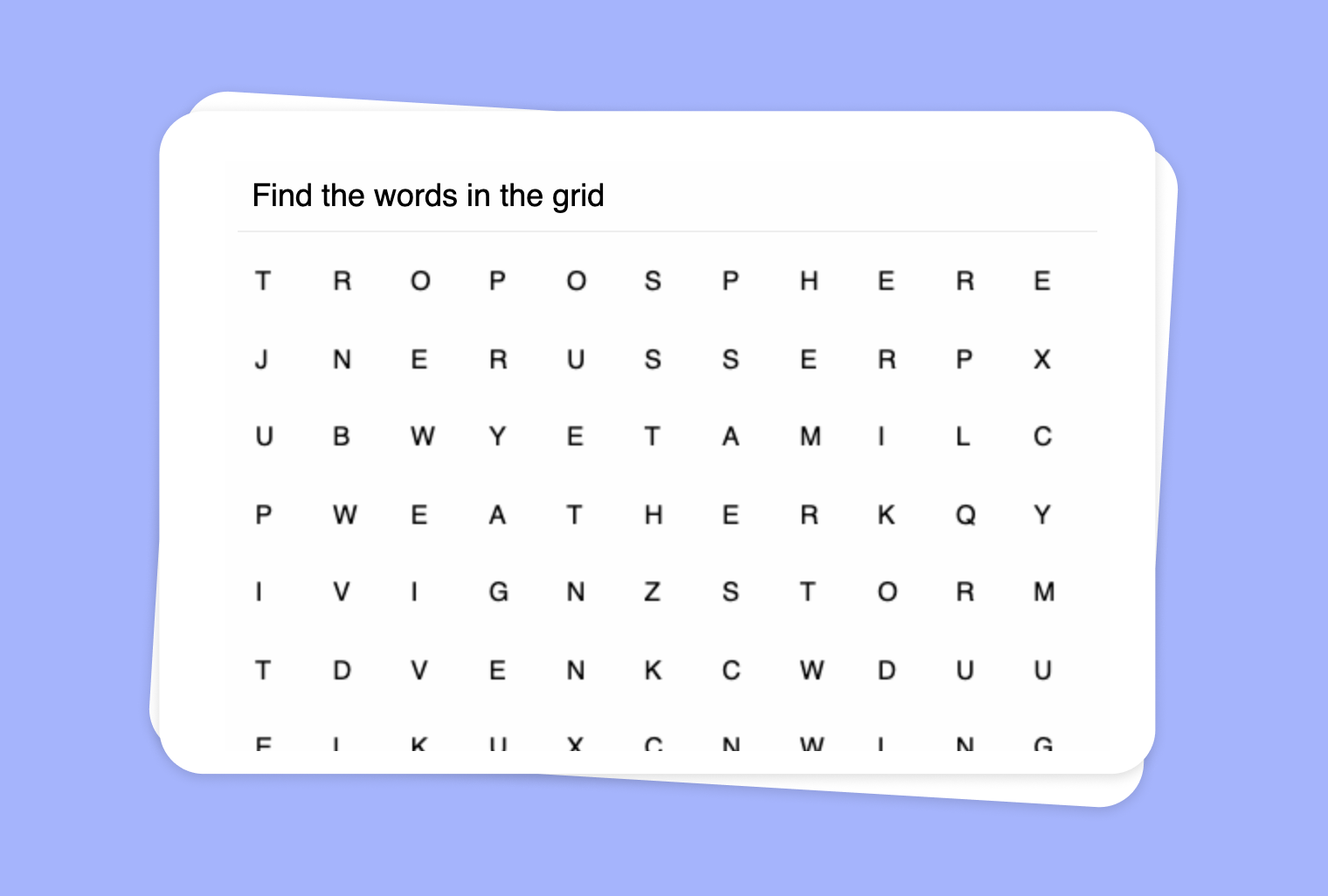
Extract text from websites and transform it into a captivating word puzzle for interactive and fun classroom activities.